Addon installation, sign-in and setup
We'll walk you through the whole process step by step – from installation to first sign-in to basic setup. It takes 2 minutes at most.
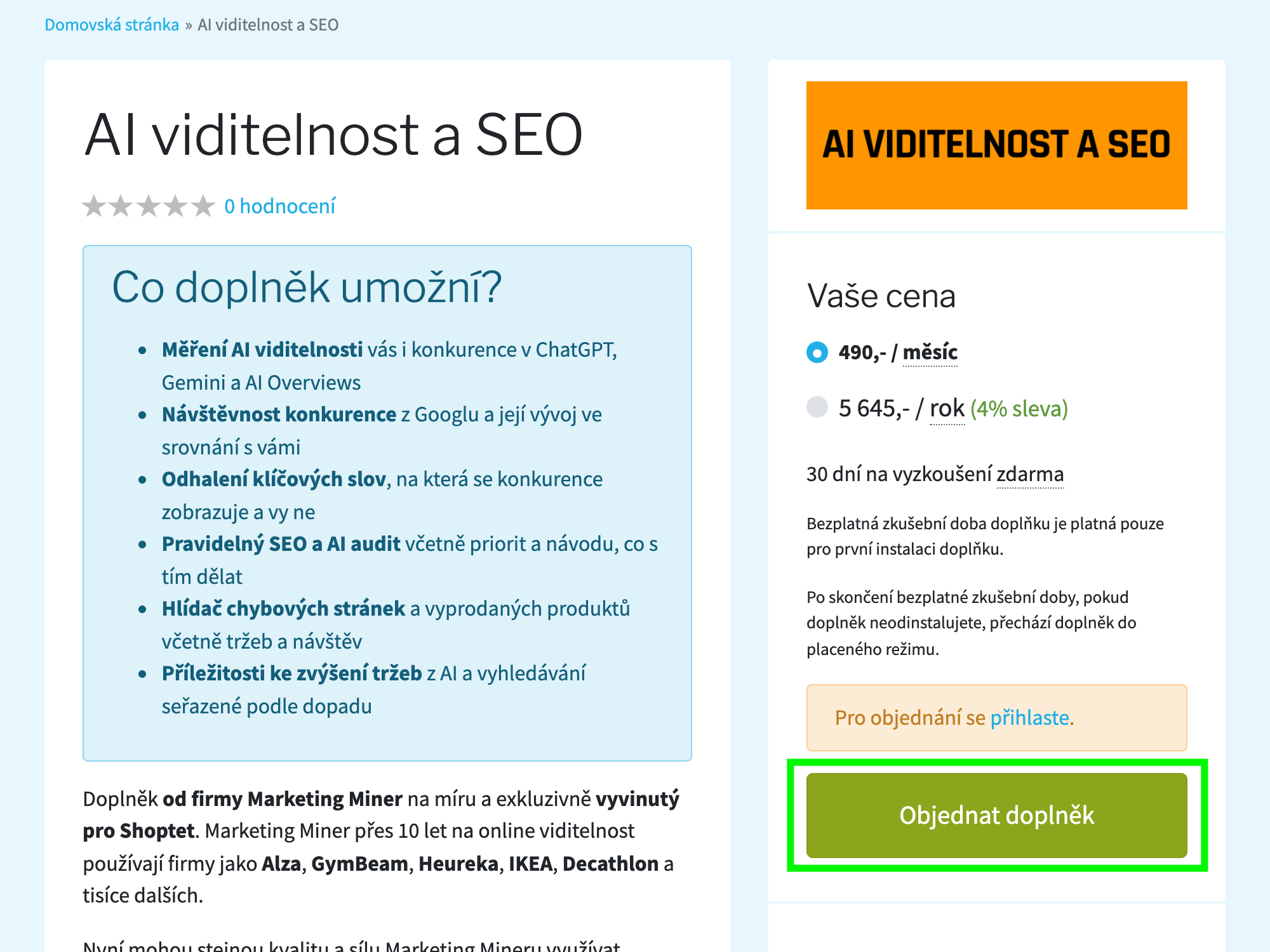
Install the addon
Open the Shoptet addon marketplace and install the AI Visibility and SEO addon. The first 30 days are free.
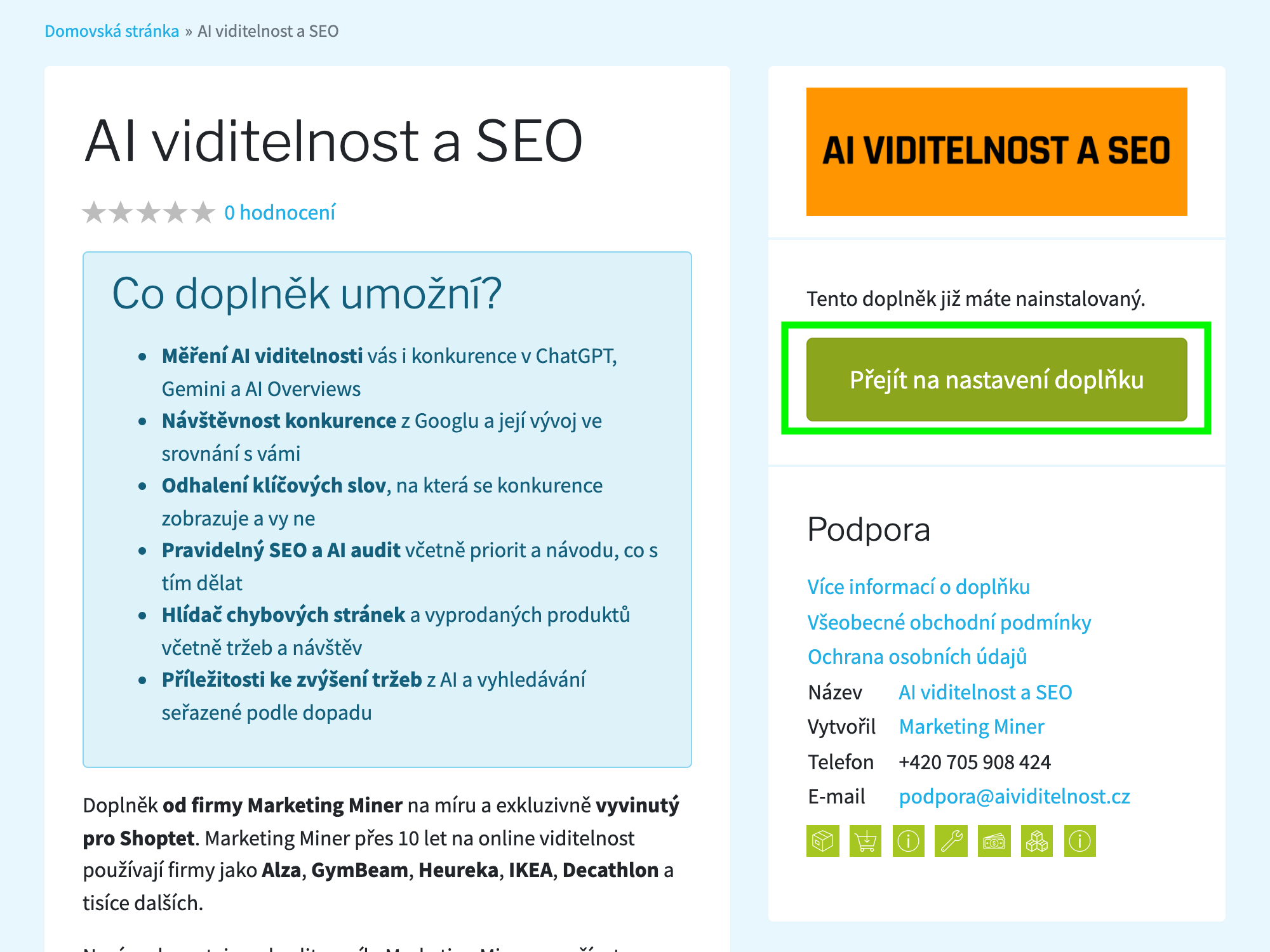
Go to addon settings
After successful installation, a «Go to addon settings» button appears on the addon page. Click it.
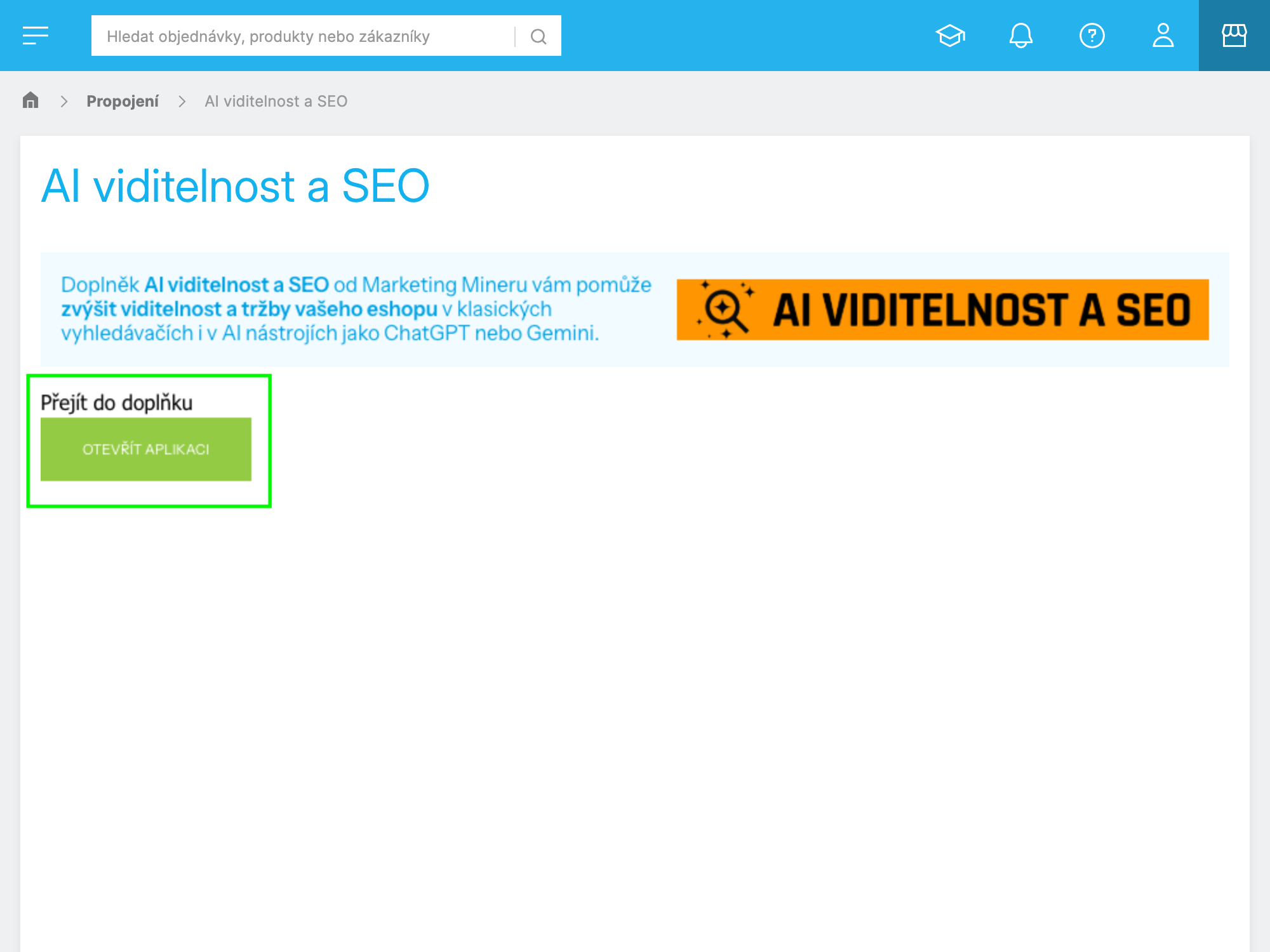
Open the addon
In the addon settings, click the «Open application» button.
Set up competitors and you're done
On first launch, you'll see a form with a suggestion for your main competitors. Review it, edit if needed, and confirm. That's it – the basics are set and you can start using the addon.
How to easily sign in after installation
After installation, you can sign in to the addon in two ways – pick the one that suits you best.
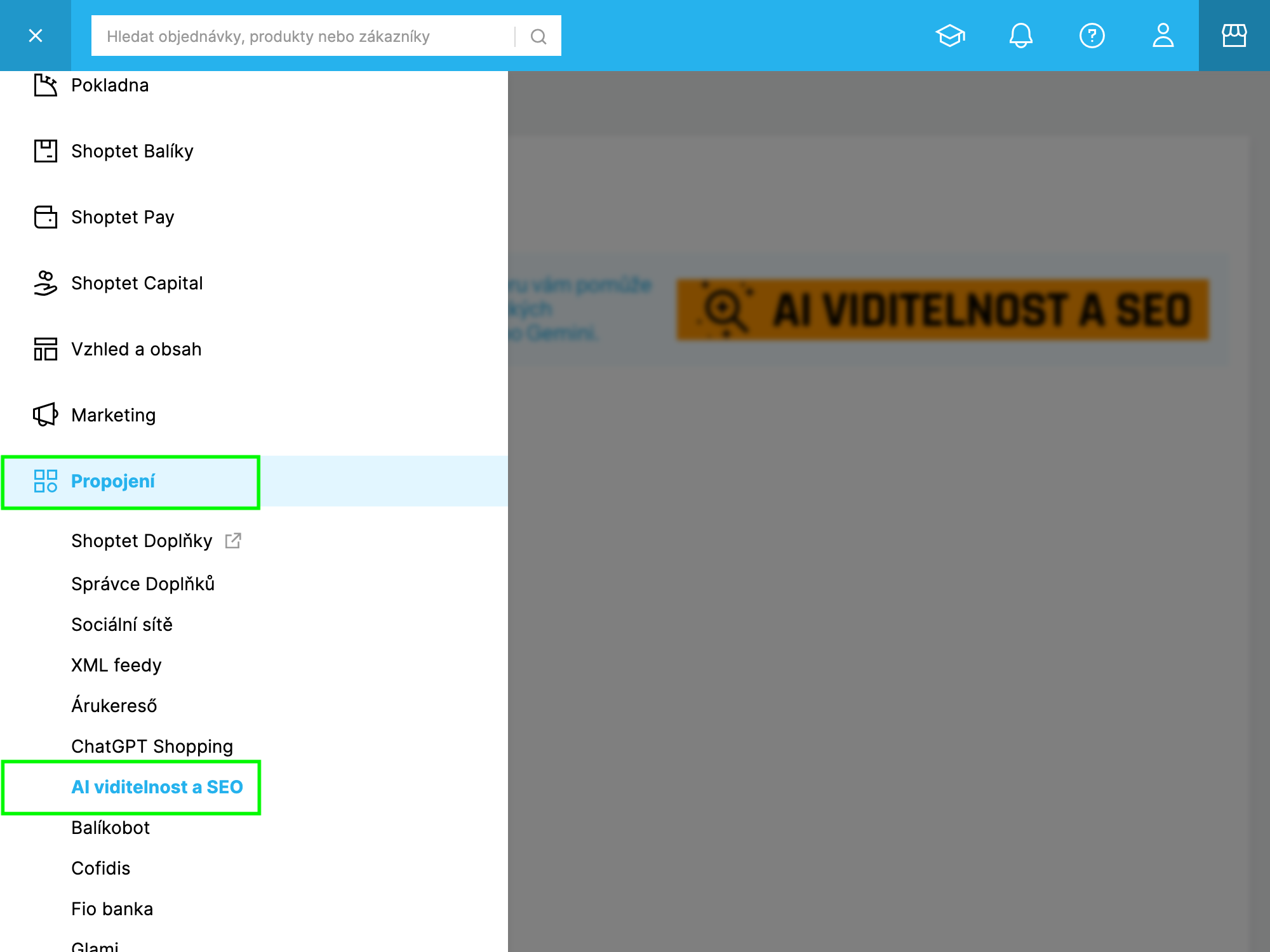
- 1Sign in to your Shoptet admin
- 2In the left menu, click Connections
- 3Select AI Visibility and SEO
- 4Click «Open application»
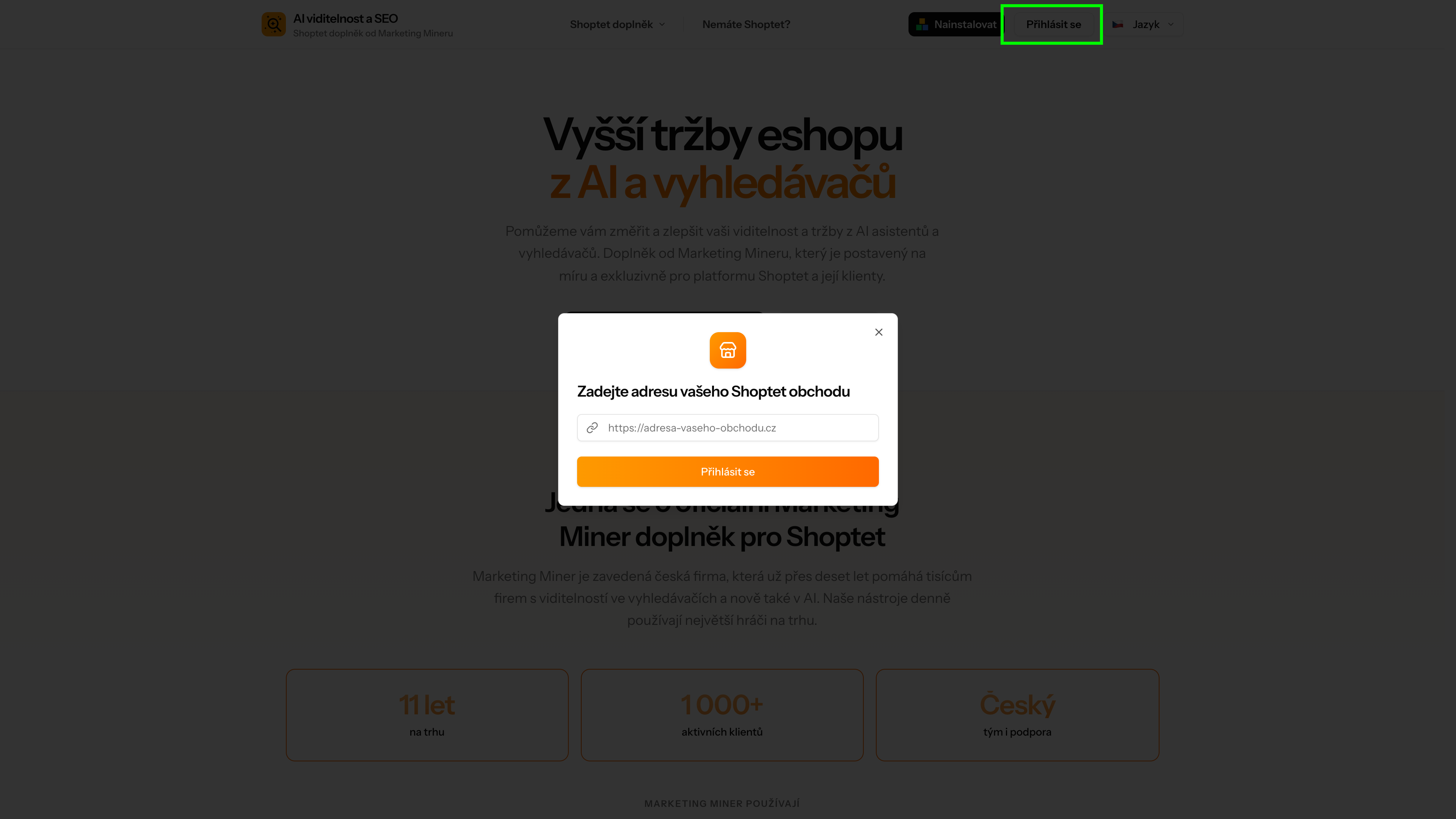
- 1Open aividitelnost.cz
- 2Click «Sign in» in the top right corner
- 3Enter your eshop URL (e.g. https://www.your-eshop.com)
- 4Sign in via Shoptet login (same credentials as your eshop admin)
Need help?
If you have any trouble with installation or sign-in, feel free to reach out.
[email protected]